AI coding advice based on my experience
Coding with the so-called AI feels good. I remember the first time it autocompleted a complicated iterative operation that I was coding; it even took a better approach than what I was thinking of writing. Then and there I understood the power of it. The LLM found what was statistically most likely to follow, and simply spared me the work of typing something that has been typed a million times in slightly different forms.
Nowadays there is some speculation about the effectiveness of using this technology for development. I've seen posts reporting that the system barely helps or even that it makes development slower¹. And well, like all tools, it can be used in an efficient manner or in ways that get in the way of efficiency. LLMs, with their natural language interface, can give a strong illusion of being alive and intelligent. I think that's one big culprit of ineffective AI-coding usage: overestimating what it can do, or assimilating it to a fellow coder when it's really not. I code, and I've been trying out different ways to harness the power of LLMs for my own work, and these are some field notes of what I've learned.
¹ "Study shows AI coding assistants actually slow down experienced developers" By Skye Jacobs, techspot.com. https://www.techspot.com/news/108651-experienced-developers-working-ai-tools-take-longer-complete.html
"The Impact Of AI-Generated Code On Software Quality And Developer Productivity". IOSR Journal of Computer Engineering. https://www.iosrjournals.org/iosr-jce/papers/Vol27-issue4/Ser-4/E2704043137.pdf
The obvious advice
First, the obvious thing in case you've never tried this: be specific with the requests. Don't vibe-code by asking “make for me a cool game.” You're likely getting into the path of a very typical game, and it will be difficult to steer the project somewhere else. Define the task: what type of game, what development environment or engine to use, is it a 3D or 2D game, what are the game mechanics in specific terms, etc.
Another obvious rule to keep in mind when using LLMs to code is to always check the generated code for quality and consistency with the rest of the code; otherwise you are likely to produce technical debt. And finally, it's crucial to test the result even more thoroughly than you would test your own code: remember all these small tests we do during the implementation when the code is not yet complete. When adopting AI in your project, it becomes quite important to also integrate automated testing in the deployment pipeline. Thankfully the tests can be made easier thanks to this technology.
Dealing with context limitations
A Large Language Model has a limit to the amount of information that can be represented or taken into account at once. There is a fixed-size context window. Also, tokens cost something. If you're coding with AI, it's very likely that you're paying per token, and even if you're not, tokens have a real computational cost; electricity, hardware time, cooling.
A good thing to keep in mind is that more words = more tokens. You can save context space by being more concise in the prompts. However, if it's an agent, the agent might incur greater spending if the info is not enough, by having to activate search tools needlessly over the missing context. So be very careful with what info is given in the prompt. It's good in general to provide the paths to the files in question, and the general use and context of the task. One bad extreme is to give a vague prompt without any helpful info, and on the other extreme we have a task which repeats itself redundantly, provides unnecessary files, includes long error logs with irrelevant parts.
In this same line, don't write down what you assume is the cause of the problem. I often feel tempted to write details of my take on the problem because I somehow want to take advantage of the fact that I know how my project works, as if the chatbot were another professional whose respect I want to earn. When I've found myself directing the LLM toward a possible cause, I have often found that I was wrong and simply wasted tokens and perhaps even a whole exchange. An agent can be quite good at finding causes for bugs, especially when they're caused by dumb mistakes or mistakes outside of my attention, which happens often.
I've been speaking about context, and now it's time to get specific about it: the AI you're using cannot remember anything about you nor the project. The AI services use a workaround: on each message you send, the service also sends a bunch of text along with your message. This text contains contextual information taken from previous messages. The LLM is just processing all this text from scratch. It's just that the text keeps increasing until a set limit. The chatbot can start to “forget” important things. The quality of the answers or code can decrease, or the LLM starts creating solutions that leave requirements behind. Those signs could mean that the context became too complex. Perhaps you have a long history of conversation with the model which is “confusing” it. The solution to this is to start a new empty conversation with the essential pertinent information so that the model starts generating a new context with less baggage.

Context in agents
With agentic models such as Claude Code, the context situation might be a bit better because the agent tries to explode the tasks into micro-tasks. However, even an agentic service sometimes starts to show the aforementioned problems. That's when you see it bring back bugs that were solved before, make redundant code, or produce things that just work on a surface level but don't really work. In addition, a problem that coding agents introduce is the loss of precision over tasks: the agent recursively generates sub-tasks and precision is lost through this chain. You might end up seeing bits of code that go in a different direction or strange solutions. When you start getting trapped in all these context problems, it might be time to break down the tasks yourself. Here are some examples:
- For new features, ask the LLM to implement the feature on a new blank project. This works for new features that are modular and not too interdependent with the rest of the project. If you want to implement the ability to resynthesize sound in your Rust synth plugin project, try creating a new blank Rust project that works on the command line and only has an audio input and an audio output. After this module works correctly, you can try getting the coding agent to integrate it into the bigger project.
- Or, if it's about refactoring code in a single file that became very large, perhaps a good first task is to break this file down into multiple smaller files containing the isolated functions, and then work on the individual files.
- If it's about finding a runtime bug that's hard to track where it originates, and the model is failing, try instead asking “how could we debug the issue” or “where should I look?” instead of asking it to fix it right away. An added benefit of breaking down and directing the debugging task yourself is that you get to reflect a bit more on how the system works, and become more likely to find the fix yourself, as you have a better context of the problem.
Breaking down the code into tasks depends on your particular situation, so each situation might need a different strategy than the ones mentioned here. One thing to add is that an agent works better if the code is written with best practices in mind. It's good in general to use frameworks that dictate how the functions are implemented, because this way it becomes more predictable how new features are to be written; hence the model can make a better prediction. Additionally, frameworks have more documentation and example code, which the LLM is probably trained on, as opposed to a custom implementation style.
Working with unfamiliar systems
LLMs can be quite helpful at getting a project or a feature started, and they're especially useful when creating something in a domain that you don't know too well. The LLM can help you get acquainted with this domain through practical examples. I have been learning about the more complicated Docker features by conversing with the machine. One problem with this is that the LLM can also generate code that still works but it's unnecessarily complicated or redundant. We need to pay attention especially in domains we don't understand too well. This is actually beneficial. It's like the LLM is hiding little easter eggs to make sure we learn about the thing we're not so familiar with. If you cannot understand parts of the generated code, and you cannot find info about them on the internet, then you can ask the LLM itself and then verify the truthfulness of the answer through online search or by modifying the code and seeing what changes.
The business context
These are the rules that I try keeping in mind when coding with AI. Of course that I fail sometimes, especially due to time constraints. I have personally felt that some project managers expect faster results now that AI coding is available. I imagine that they had tried the tools themselves and had successful results, without knowing that perhaps the quality of the invisible code is not so good, or that there are subtle issues that would've caused problems if the project had been larger. In addition, it's not hard to imagine that some of them will want the coding service to be cheaper, which ultimately will lead to less dedicated time and a more distant relationship between the programmer and the code as they need to take on new projects. So, perhaps a good takeaway is to take care of our own time, trying to not get pressured by unrealistic expectations.
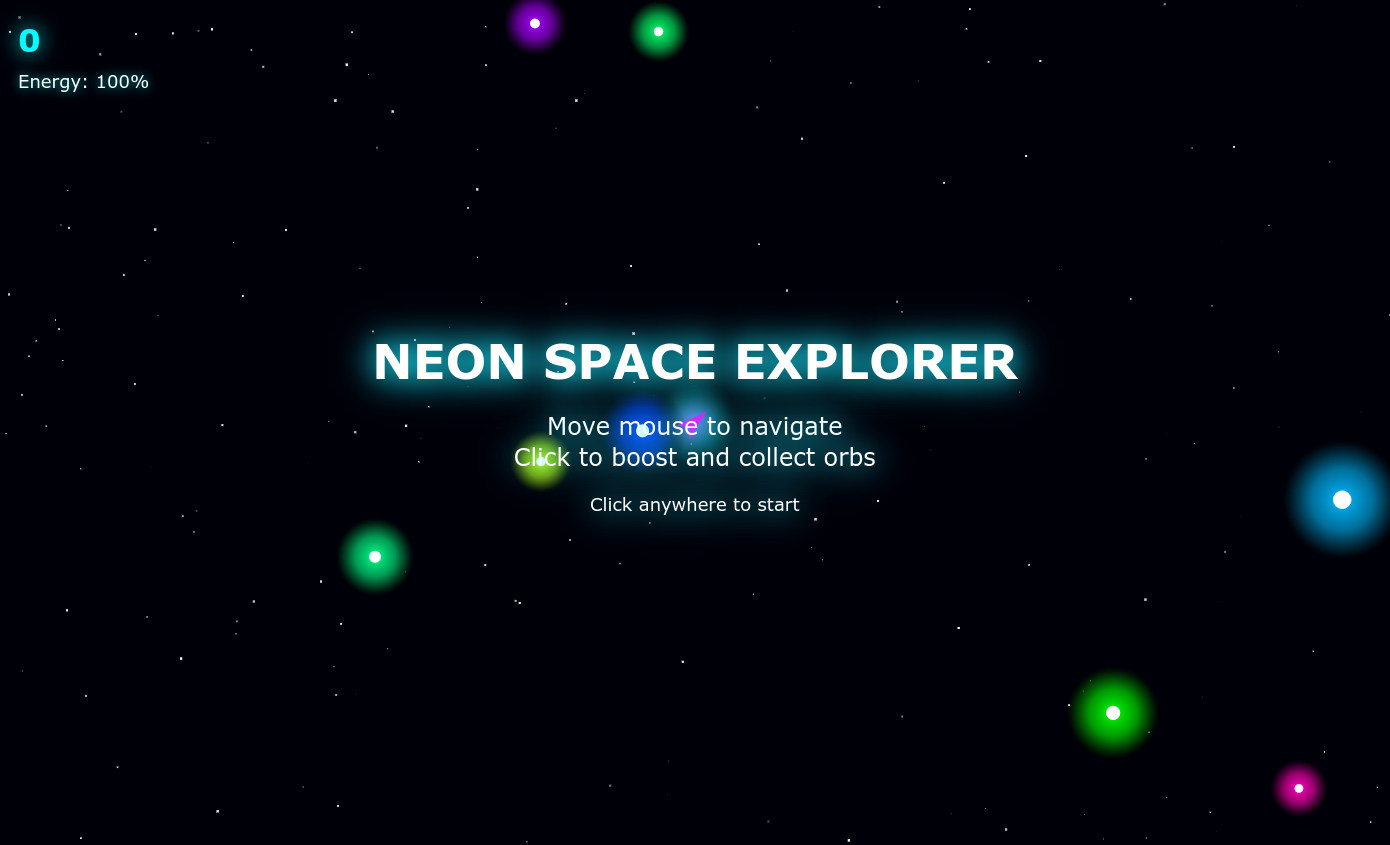
Neon Space Explorer
Just to generate an image for this post, I requested Claude to create "a cool innovative game" and some other details to make sure it was photogenic. I don't know for how long the link will be available, but here it is: